Discover Lovely Cloud: A Charming Handwritten Font for Web Design
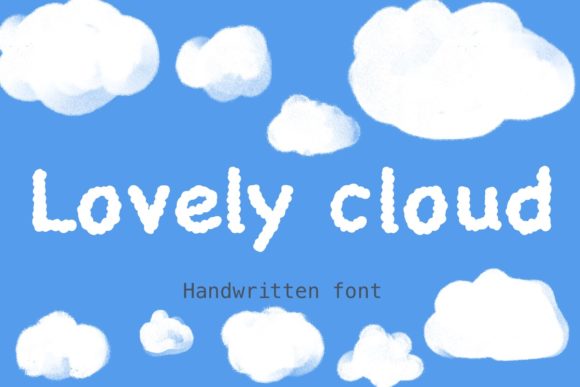
As a web designer, I recently had the opportunity to test Lovely Cloud, a sweet and friendly handwritten font, in a real website project. This typeface has a natural and unique style that can elevate a wide range of designs, from creative portfolios to boutique online stores.
A First Look at Lovely Cloud in Action
I decided to use Lovely Cloud in the hero section of a coaching website I was designing. The goal was to create a welcoming and approachable feel, and this font perfectly captured that essence. The handwritten style adds a personal touch, making the site feel more human and less corporate.
Visual Characteristics and Personality
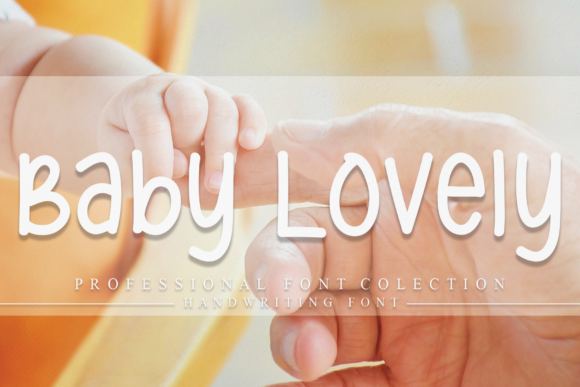
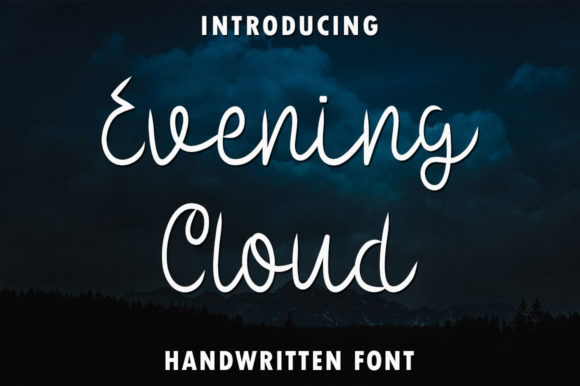
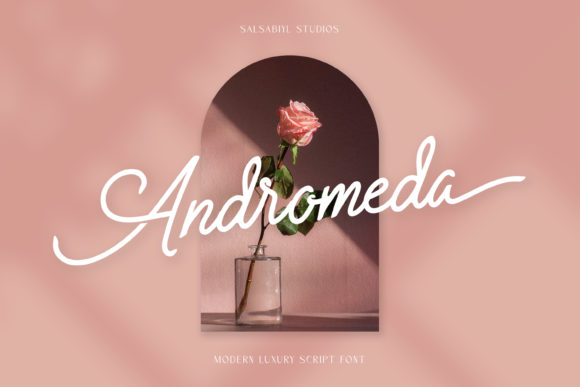
Lovely Cloud is characterized by its flowing, cursive-like strokes and playful yet elegant design. It has a light and airy quality, which makes it ideal for projects that need a touch of whimsy without sacrificing professionalism. The font's natural style gives it a handcrafted, bespoke feel, perfect for creating a unique brand identity.
Using Lovely Cloud in Web Design
One of the key strengths of Lovely Cloud is its versatility. Here are some ways you can incorporate it into your web design:
- Website Headers: Use Lovely Cloud for the main header or logo to add a personal and inviting touch.
- Hero Sections: Perfect for headlines and subheadings in hero sections, where first impressions matter.
- Landing Pages: Ideal for call-to-action areas, short phrases, and decorative accents to draw attention and guide users.
- Online Shop Banners: Add a charming and unique look to product banners and promotional graphics.
- Blog Graphics: Use it for blog post titles, quotes, and other visual elements to enhance readability and engagement.
Readability and Visual Hierarchy
While Lovely Cloud is visually appealing, it's important to consider readability, especially on smaller screens. For mobile devices, I recommend using Lovely Cloud for larger text like headings and short phrases, while opting for a clean, sans serif font for body copy. This ensures that the content remains legible and the overall layout maintains a good visual hierarchy.
Font Pairing and Design Consistency
To create a balanced and professional look, I paired Lovely Cloud with a simple sans serif font, such as Roboto or Open Sans. This combination allows the handwritten font to stand out in key areas, while the sans serif provides clarity and consistency for longer text. For a more editorial feel, you could also pair it with a classic serif font like Merriweather.
Practical Tips for Using Lovely Cloud
Before integrating Lovely Cloud into your web design, here are a few practical tips to keep in mind:
- Check Included Styles: Review the available styles, weights, and alternates to find the best fit for your project.
- Webfont Availability: Ensure the font is available in webfont formats (e.g., WOFF, WOFF2) for smooth integration.
- File Formats: Verify that the font comes in the necessary file formats (e.g., TTF, OTF) for both web and print use.
- Multilingual Support: If your project requires multiple languages, check that the font supports the necessary character sets.
- Commercial Licensing: Confirm that the font license allows for commercial use, especially if you're working on client projects or online stores.
Conclusion
Incorporating Lovely Cloud into your web design can significantly enhance the visual appeal and user experience of your site. Whether you're designing a creative portfolio, a boutique online store, or a coaching website, this charming handwritten font offers a unique and engaging way to connect with your audience. Just remember to balance it with a more readable font for body text and ensure it meets your project's technical and licensing requirements.